Kitchen Cost Pro / Recipe costing software
Recipe costing software

Know what every dish really costs to make.

Build recipes from real ingredient costs and custom units of measure. Cost per portion and gross profit update the moment a supplier price changes, with no spreadsheet to maintain.
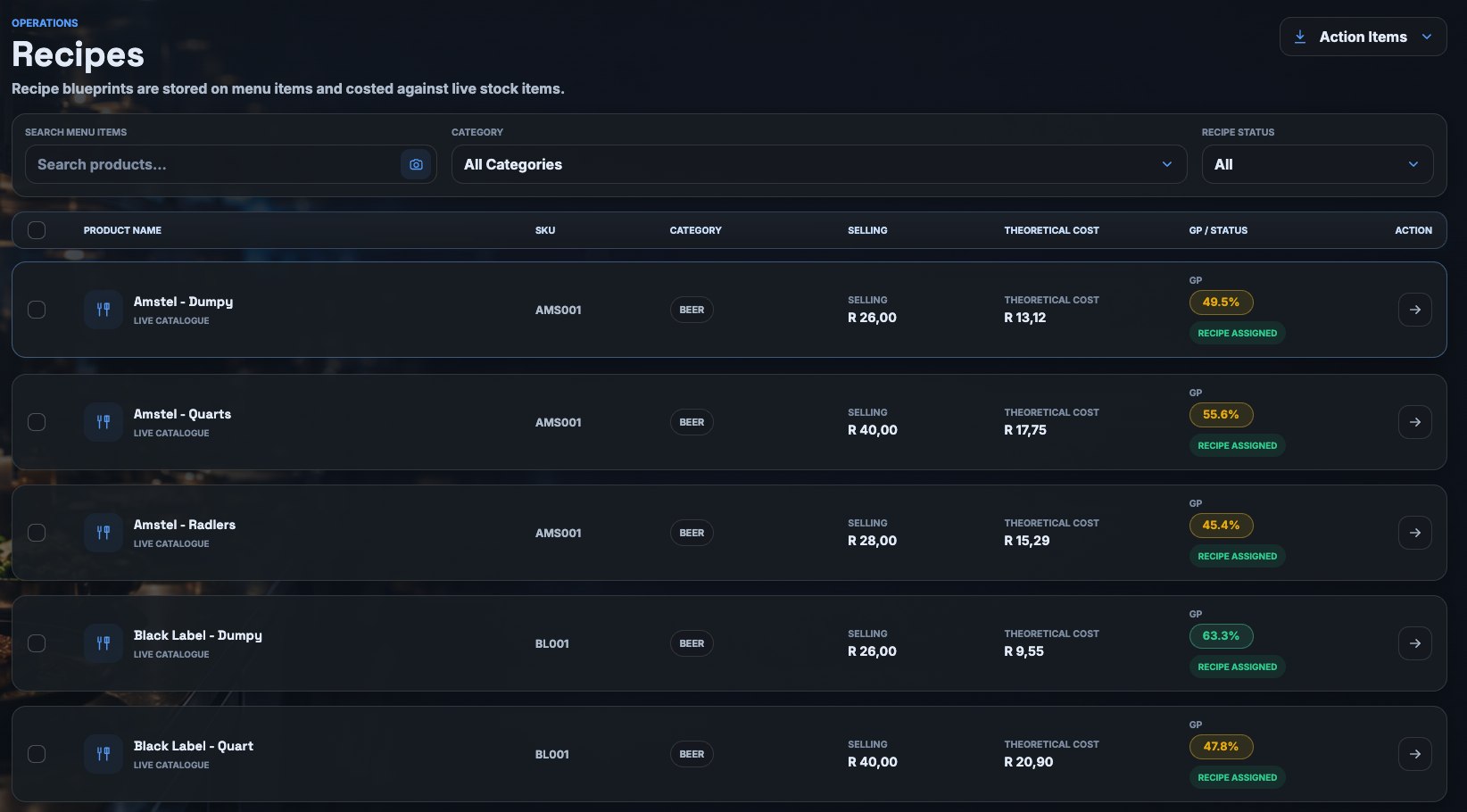
Kitchen Cost Pro recipes screen showing selling price, theoretical cost and gross profit percentage per menu item

Menu pricing based on guesswork quietly erodes margin. Accurate recipe costing means every ingredient, trim loss and portion size is accounted for, and the number stays correct as prices move.

In Kitchen Cost Pro a recipe is built from your stock items. Cost comes from the latest purchase prices, units of measure are converted for you, and each menu item shows its theoretical cost, selling price and gross profit percentage.

Ingredient-level breakdown

See exactly which ingredients drive the cost of a dish, so you know where to renegotiate, re-portion or reprice.

Custom units of measure

Buy by the case, cost by the gram, sell by the plate. Conversions between units are handled for you.

Margins that stay current

When a delivery arrives at a new price, the affected recipes recalculate automatically.

Explore more

FAQ

Questions, answered.

How do you calculate the cost of a recipe?

Add up the cost of each ingredient used in one portion: ingredient quantity multiplied by its unit cost. Divide a batch recipe by the number of portions. Gross profit is selling price minus that cost.

What is a good food cost percentage?

Many restaurants aim for roughly 28 to 35 percent of selling price, but it varies by concept. What matters is knowing your actual percentage per dish and watching it over time.

Does recipe cost update when supplier prices change?

Yes. Cost is driven from your stock item prices, so recipes recalculate when new prices are received.

See your real food cost, this week.

Book a short walkthrough on your own stock list and menu, no migration required to see the numbers.