Every POS sale and refund depletes the right ingredients. Purchase orders, goods received and stock takes keep one live ledger per location, so you always know what is on the shelf and what it cost you.
Spreadsheets and end-of-month counts tell you about stock problems after the money is gone. Restaurant inventory software should do the opposite: record what comes in, what is sold, wasted and transferred as it happens, and warn you while you can still act.
Kitchen Cost Pro keeps a single stock ledger per location. Deliveries received against purchase orders add stock, POS sales deduct it through your recipes, and stock takes show the variance between what the system expects and what your team counts.
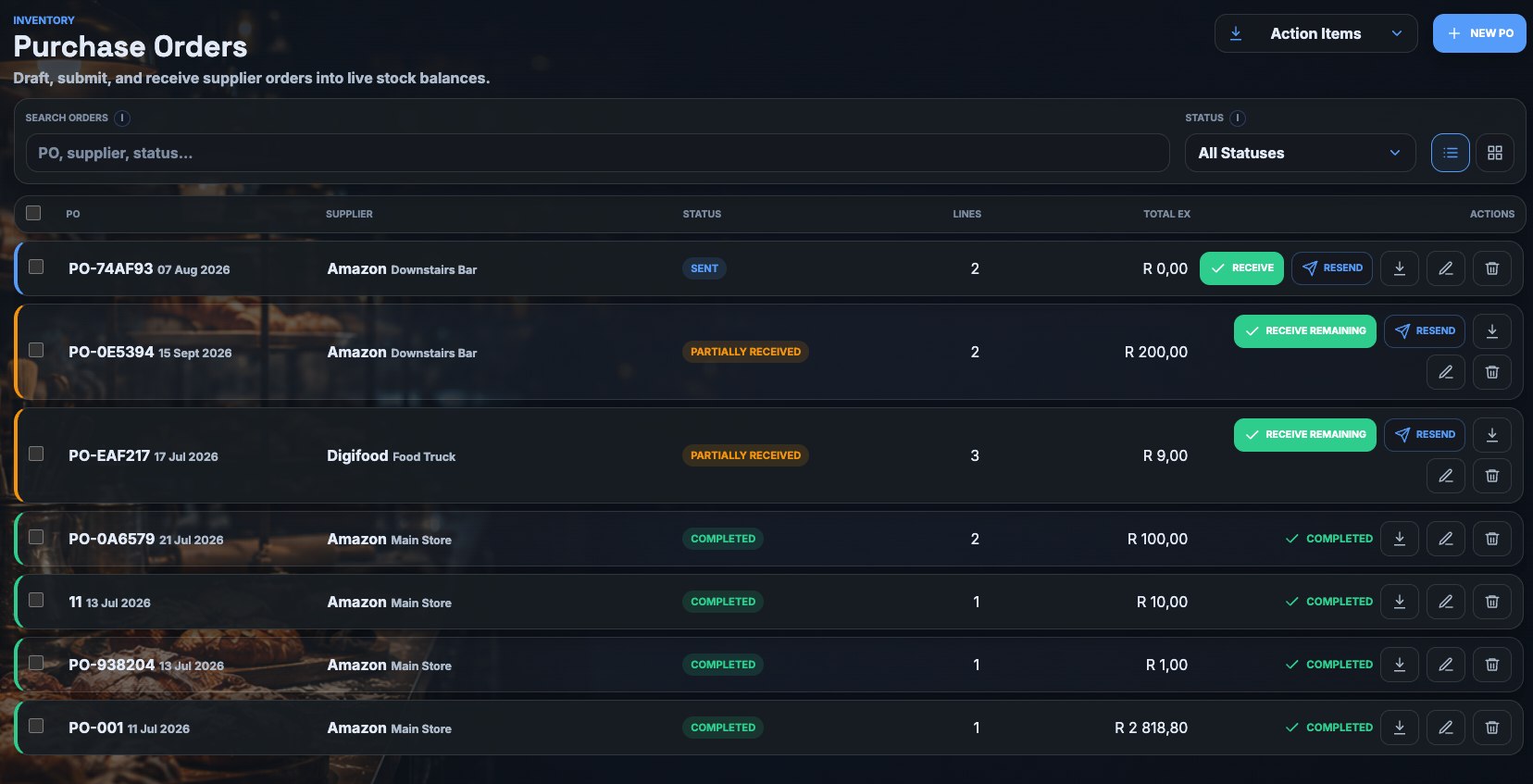
Raise purchase orders, receive goods against them with goods-received vouchers, and capture supplier credit notes. Stock and cost update on receipt.
Run a full session count, a quick count or a bulk barcode scan. Drafts save automatically and variances are flagged the moment a count closes.
Record wastage and adjustments with a reason, and move stock between locations with a clear audit trail.
At minimum it should track stock levels per location, record purchases and deliveries, deduct ingredients when menu items sell, support stock takes, and show the gap between expected and actual stock. Kitchen Cost Pro does this and links it to recipe costing and margin reporting.
Each menu item is linked to a recipe made of stock items. When your POS reports a sale, Kitchen Cost Pro deducts the recipe ingredients from the location that made the sale. Refunds reverse the deduction.
Yes. Stock, transfers, purchasing, stock takes and reports are all managed per location, with a combined view across sites.
Book a short walkthrough on your own stock list and menu, no migration required to see the numbers.